See Your Film Before You Shoot It
Visual Take gives your team the power to generate, refine, and present your entire storyboard — quickly and clearly.
A storyboard is where your film’s visual direction takes shape — before a single frame is shot.
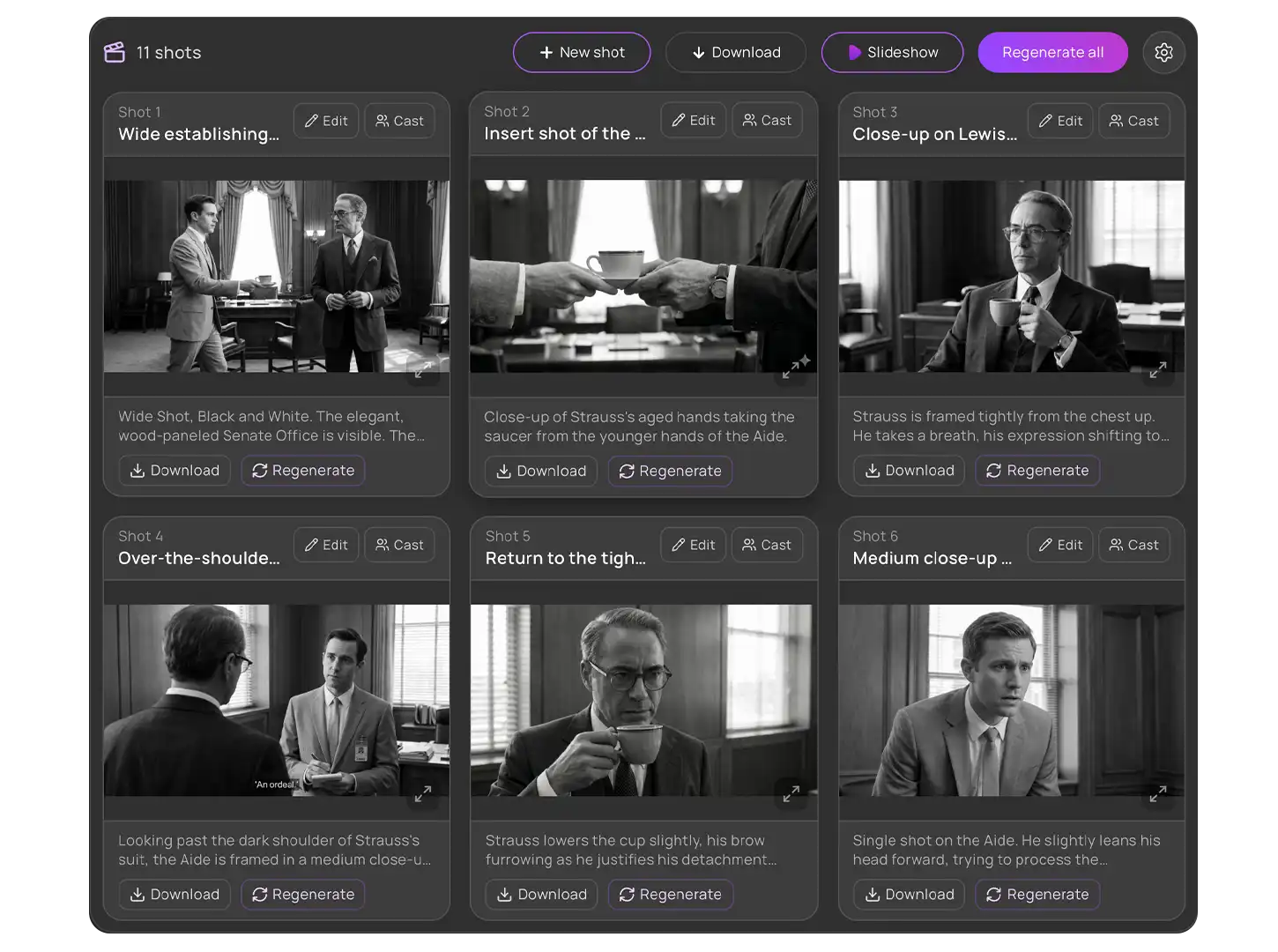
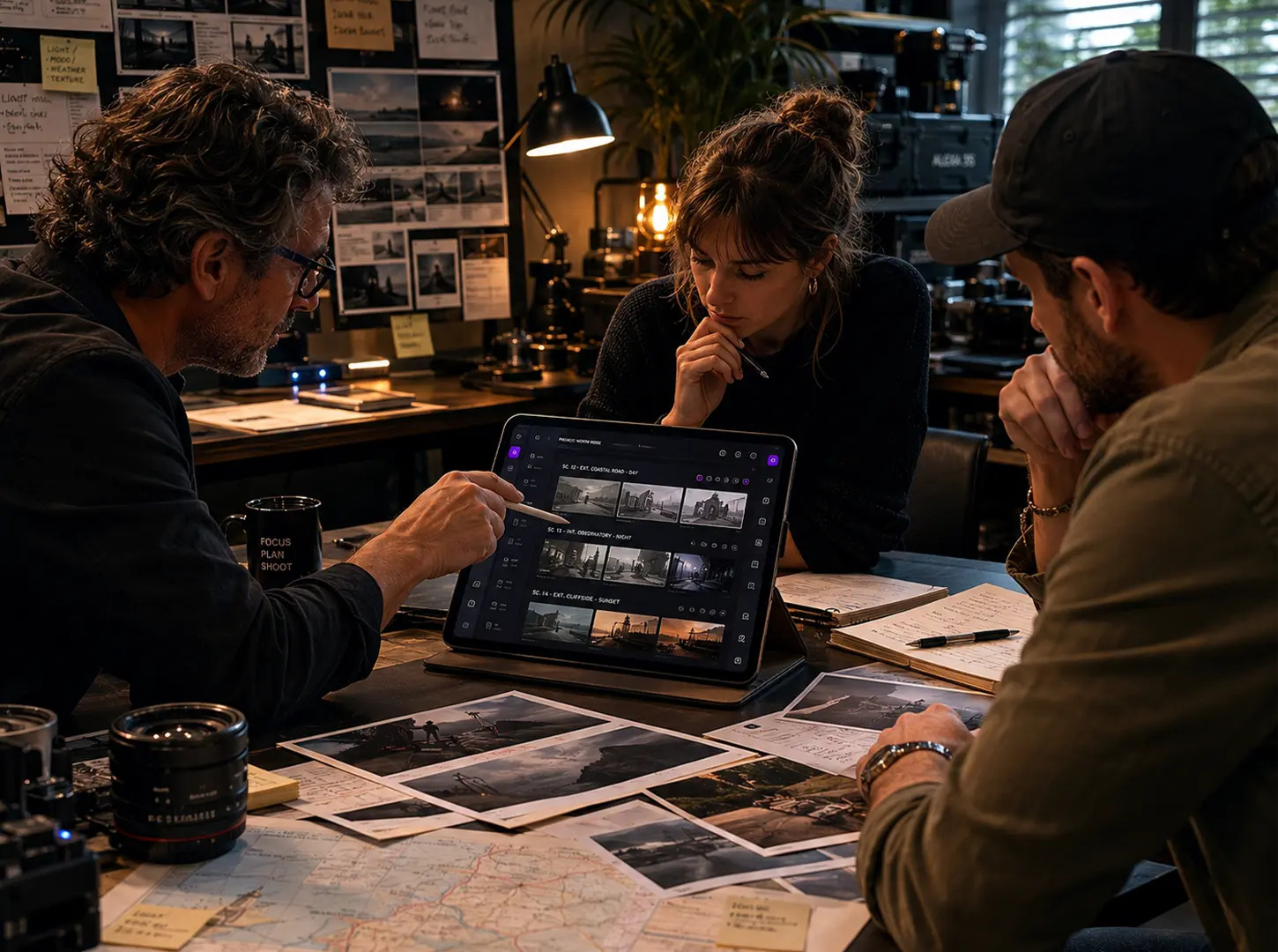
Visual Take’s AI Storyboarding Software gives your team the ability to generate visual storyboards for every shot automatically. From scene-level planning to shot-level visualization, your entire production can be seen, reviewed, and refined before execution begins.
AI storyboarding software is defined as a system that generates visual representations of scenes and shots based on script and shot descriptions, enabling faster and more accurate visual planning.
Visual Take connects storyboarding directly to your production workflow — turning scenes and shot lists into visual references that guide execution.
Visual planning is often delayed by time, cost, or resource constraints.
Visual Take solves this by:
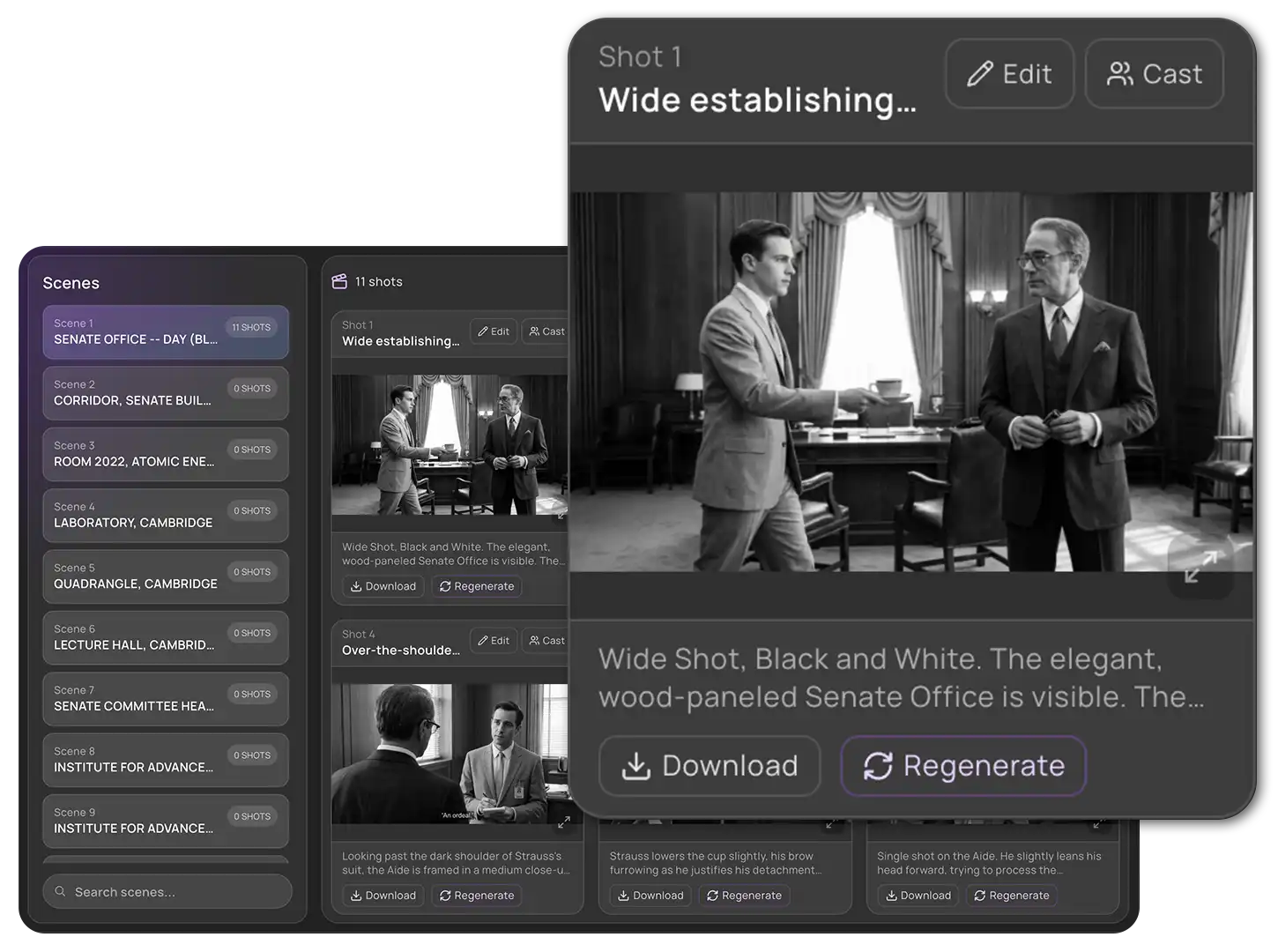
Automatically generate visual frames for each shot based on your script and descriptions. Create a clear representation of framing, composition, and environment before filming begins.
This helps teams visualize scenes early, align creative direction, and reduce ambiguity during production.
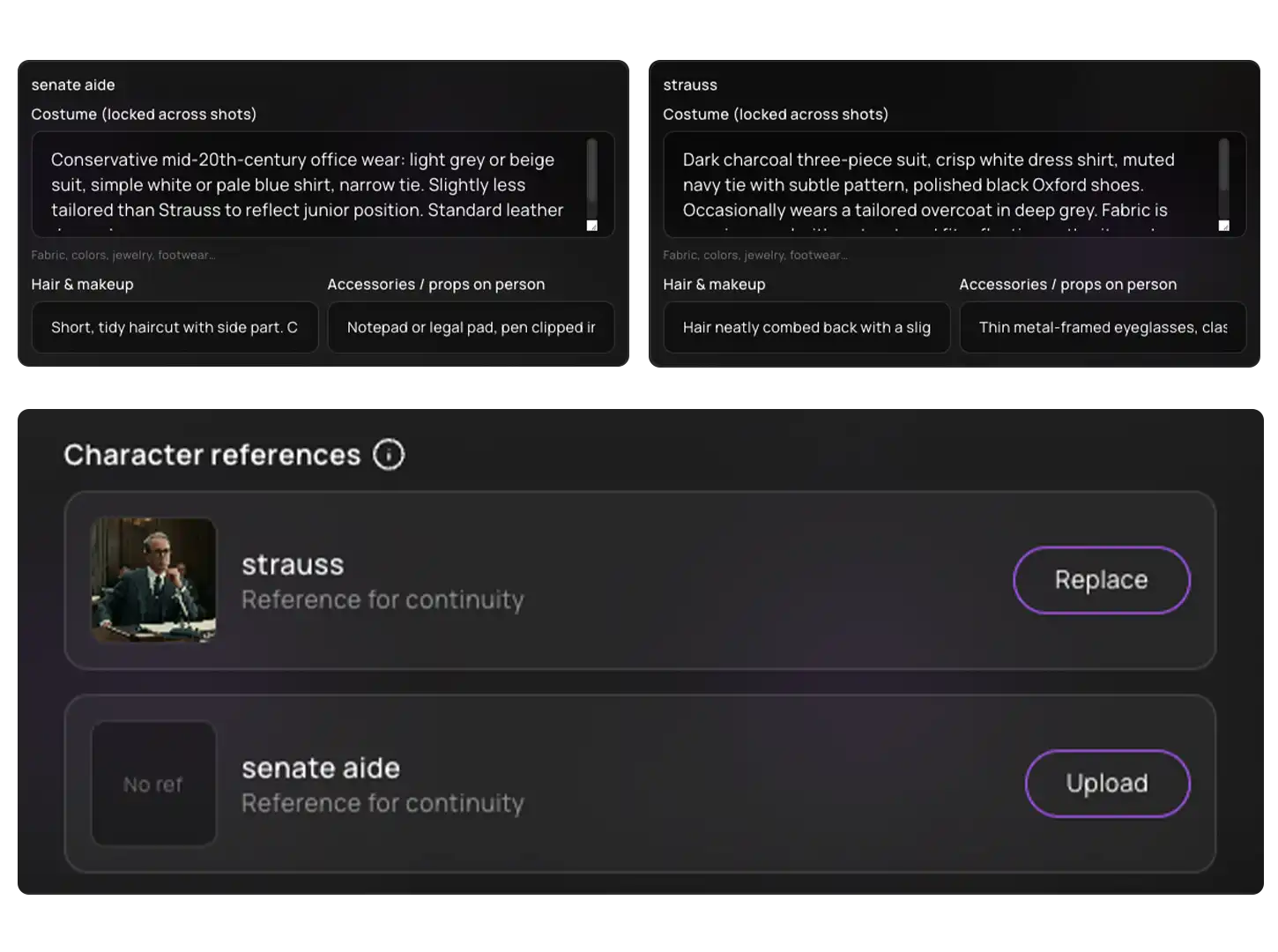
Refine individual storyboard frames with precision. Update descriptions, adjust visual elements, or regenerate frames to better match your creative intent.
This allows for quick iteration, ensuring every shot aligns with the director’s vision without reworking the entire sequence.
Update the entire visual direction of a scene instantly when creative decisions evolve. Regenerate all associated frames to reflect new ideas or changes in approach.
This helps teams adapt quickly while maintaining consistency across the scene.
Organize storyboard frames by scene with clear visibility into shot counts and coverage. Understand how each scene is visually structured at a glance.
This improves planning accuracy, ensures complete coverage, and helps teams prepare efficiently for shoot days.
Present your storyboard as a structured visual sequence. Walk stakeholders and team members through scenes in a clear, cinematic flow.
This improves communication, speeds up approvals, and ensures everyone is aligned on the visual direction.
Export storyboard frames for use across production workflows. Share visuals with departments for planning, references, and coordination.
This ensures that every team works with the same visual guidelines, improving execution consistency.
Maintain multiple versions of your storyboard as creative direction evolves. Track changes over time while preserving previous iterations for reference.
This provides flexibility, supports collaboration, and ensures that visual planning remains organized and controlled.
A clear visual plan reduces uncertainty during execution.
Without structured storyboarding:
With Visual Take:
Film productions — especially in India — require rapid decision-making, visual pitching, and efficient planning.
Visual Take is built to support this environment:
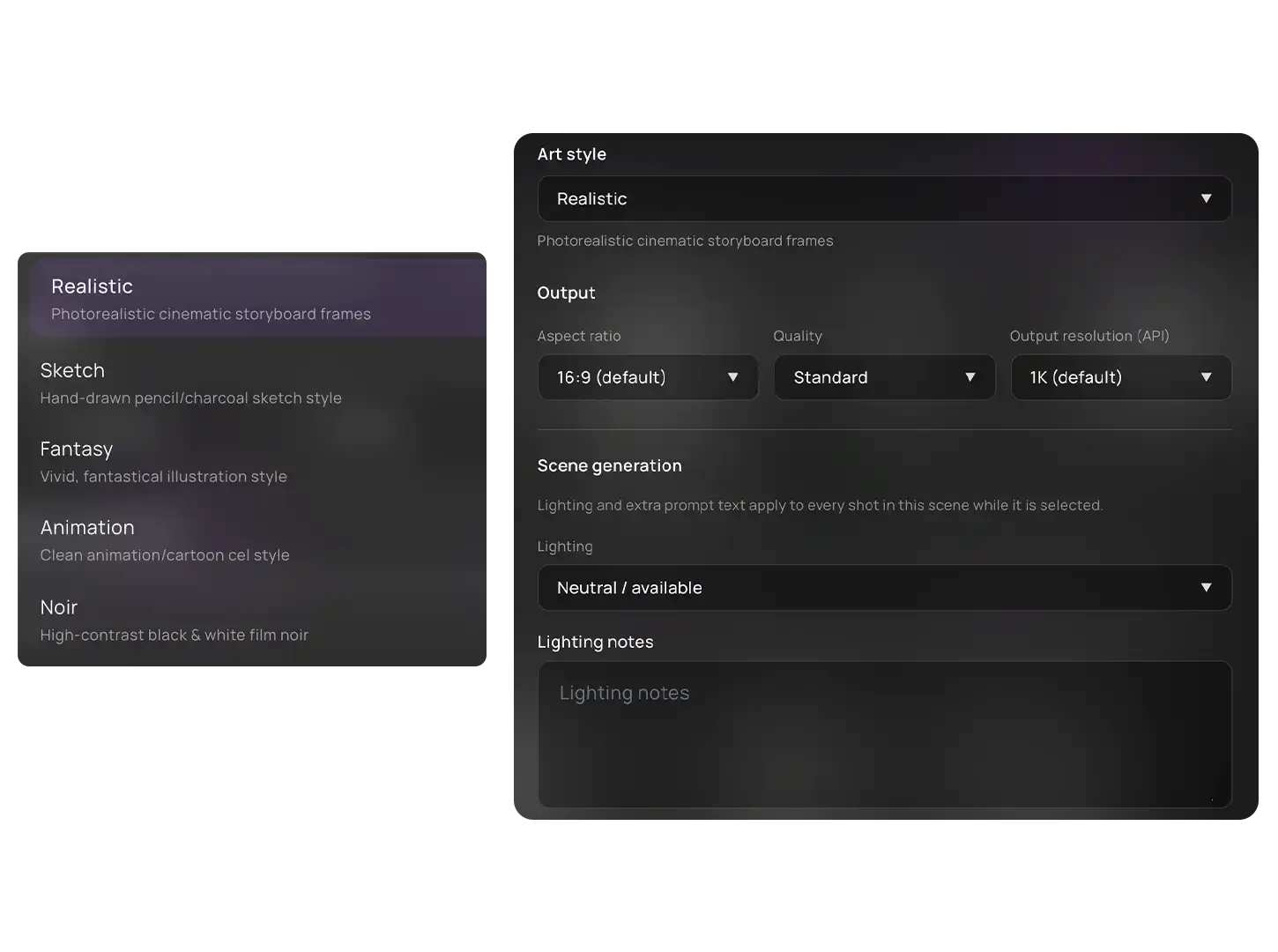
Storyboarding in Visual Take is not isolated.
Visual Take gives your team the power to generate, refine, and present your entire storyboard — quickly and clearly.

Powered by movytech